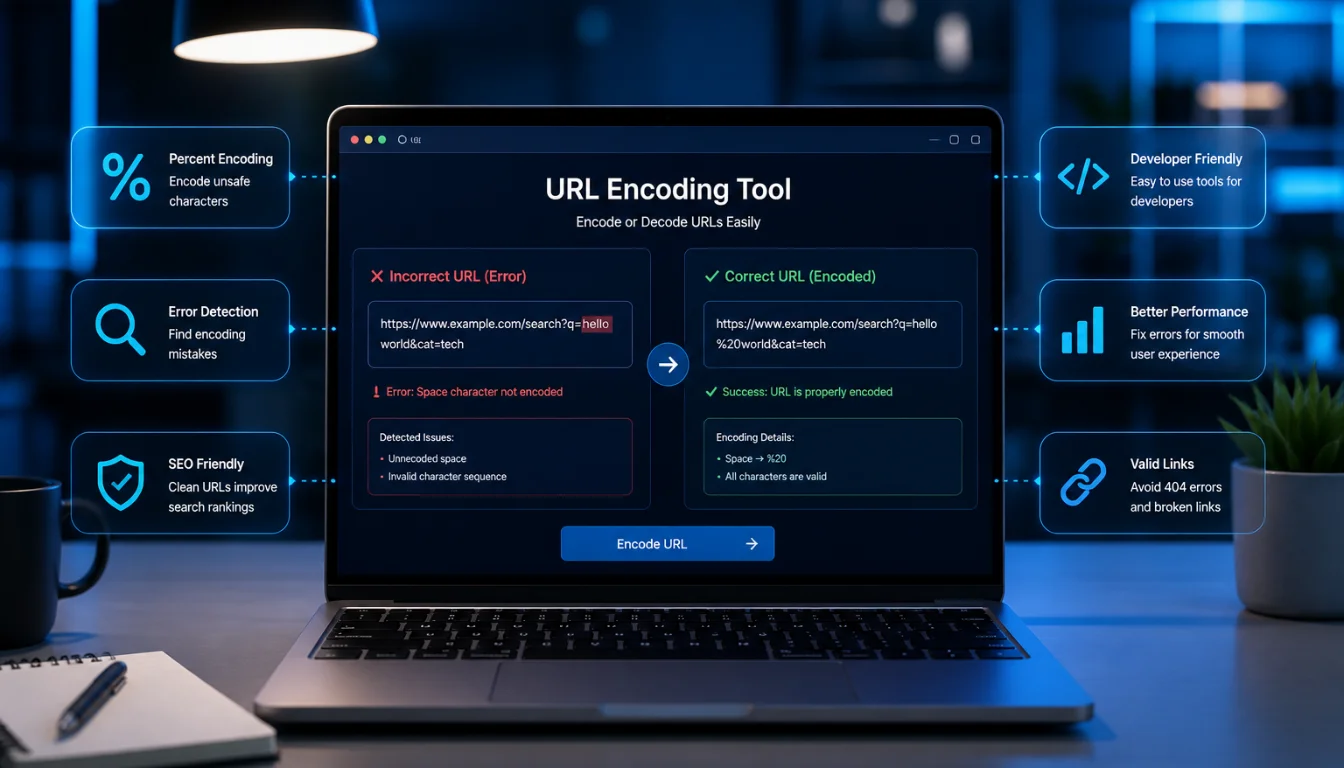
In this comprehensive guide, you will learn how to identify and correct common spelling mistakes in URL encoding. This process is crucial for ensuring your web links function correctly and enhance your site’s SEO performance. By the end of this guide, you’ll be equipped with the necessary skills and tools to troubleshoot and fix URL encoding errors effectively.
Prerequisites and Tools Needed
- Basic Understanding of URL Encoding: Familiarity with how URLs are structured and the concept of percent-encoding.
- Web Browser: Any standard web browser to test URLs.
- URL Encoding Tool: Access to an online URL encoder/decoder tool. Examples include URL Decoder/Encoder from Meyerweb or URL Encode/Decode from FreeFormatter.
- Text Editor: A simple text editor like Notepad or advanced ones like Visual Studio Code for editing URLs.
- Checklist: Optional but helpful, a checklist of common encoding errors to reference during troubleshooting.
Step-by-Step Instructions
Step 1: Understand URL Encoding Basics
Before diving into corrections, ensure you understand URL encoding, also known as percent-encoding. It replaces unsafe ASCII characters with a “%” followed by two hexadecimal digits. For instance, a space becomes “%20”. Familiarize yourself with other common encodings using online references.
Pro Tip: Bookmark a reliable URL encoding reference guide for quick access to encoding rules.
Step 2: Identify Common Encoding Mistakes
Review URLs for errors such as unencoded spaces or incorrect percent-encoded characters. An unencoded space might appear as a plus sign (“+”) or even remain as a space, which can break the URL.
Common Mistake: Confusing similar-looking characters, such as “0” (zero) and “O” (letter O), can lead to encoding errors.
Step 3: Use an Online URL Encoding Tool
Copy the problematic URL and paste it into a URL encoding tool. These tools will automatically encode the URL correctly.
Pro Tip: Use tools that offer both encoding and decoding options so you can verify changes.
Step 4: Manually Check URL Syntax
After using an online tool, manually inspect the URL for syntax errors such as misplaced characters or missing percent signs. Use a text editor to make precise edits if necessary.
Common Mistake: Forgetting to encode special characters like “&”, “/”, or “?” which have specific functions in URLs.
Step 5: Test the Corrected URL
Paste the corrected URL into your web browser to ensure it directs to the intended page without errors. Check for any unexpected behavior or 404 errors.
Pro Tip: Test URLs in multiple browsers to ensure compatibility across different platforms.
Troubleshooting Common Issues
- URL Still Not Working: Double-check for any missed characters and ensure the entire URL is encoded.
- 404 Errors: Verify that the URL path and file names are correct and that the server recognizes them.
- SEO Impact: Ensure that URL changes are reflected in the sitemap and are properly indexed by search engines.
Expected Results and Next Steps
By following these steps, you should have a correctly encoded URL that functions well across various web platforms. Moving forward, consider setting up a regular review process for your URLs or using automated tools to catch encoding errors early.
For further learning, explore resources on URL encoding best practices and how it affects web development and SEO.
FAQs
- What is a URL encoder spellmistake?
A URL encoder spellmistake refers to errors made in the URL encoding process, such as incorrect or missing character encodings. - How do I fix a URL encoding error?
Use an online URL encoding tool, manually check for syntax errors, and test the URL in a browser. - Can URL encoding errors affect my website’s SEO?
Yes, incorrect URL encoding can lead to broken links, which negatively impacts SEO. - Are there tools to automate URL encoding?
Yes, several automated tools can encode URLs correctly, including plugins for web development environments. - What are some common URL encoding tools?
Popular tools include Meyerweb’s URL Decoder/Encoder and FreeFormatter’s URL Encode/Decode.